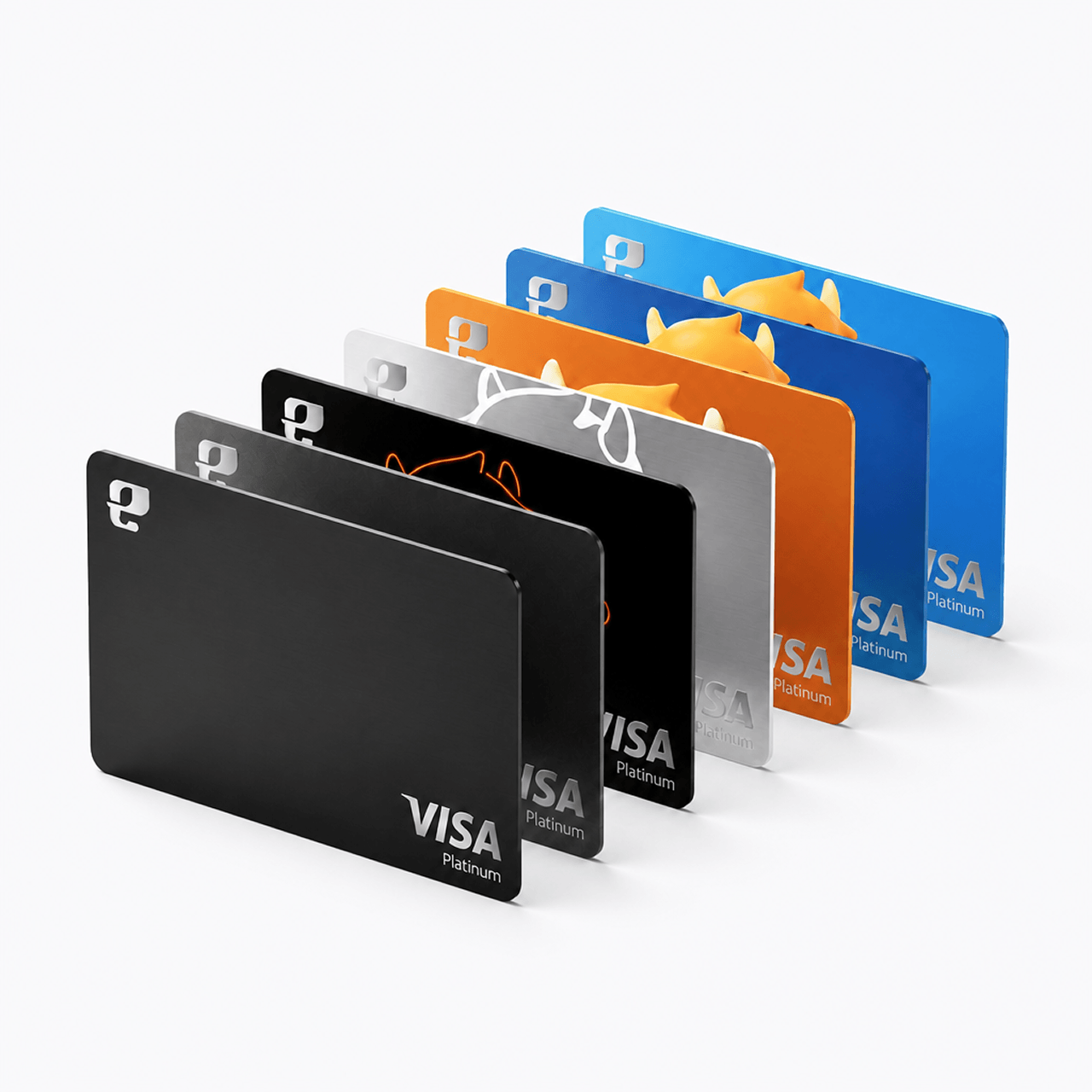

Personalized Card Design
Hong Kong's first digital bank card with customizable card face
Global ATM Withdrawals1
Access nearly 3 million ATMs worldwide

Real-time Transaction Safety Protection
Supports multi-currency transactions with full protection from the Pay Shield

Cash Plus Redemption
Earn while you spend. Invest as you go
High Returns
Deposit idle money in Cash Plus. Earn 3.6%2 average returns. Steady growth
Automatic Redemption for Payment
Spend with automatic deduction. No manual redemption, uninterrupted wealth management
Multi-currency Payment
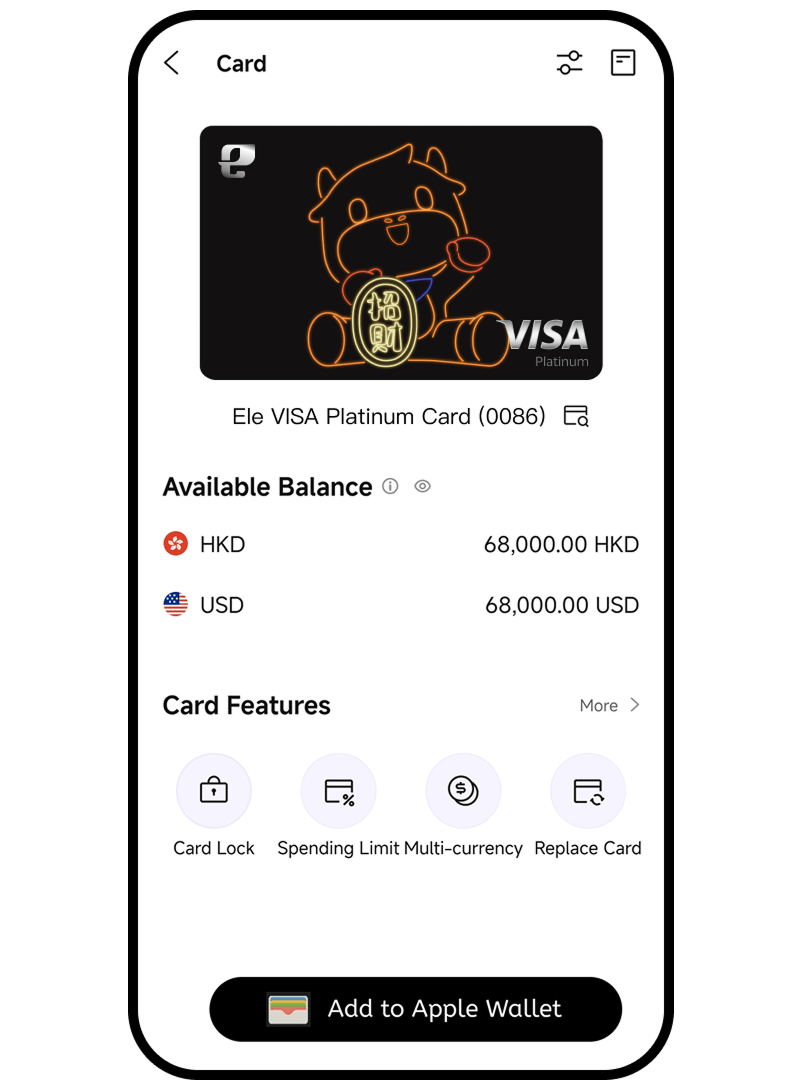
Supports multi-currency spending in HKD and USD, helping you avoid foreign exchange conversion losses
Zero Handling Fee
You can start purchasing with a minimum of HKD0.1, and there are no subscription or redemption fees

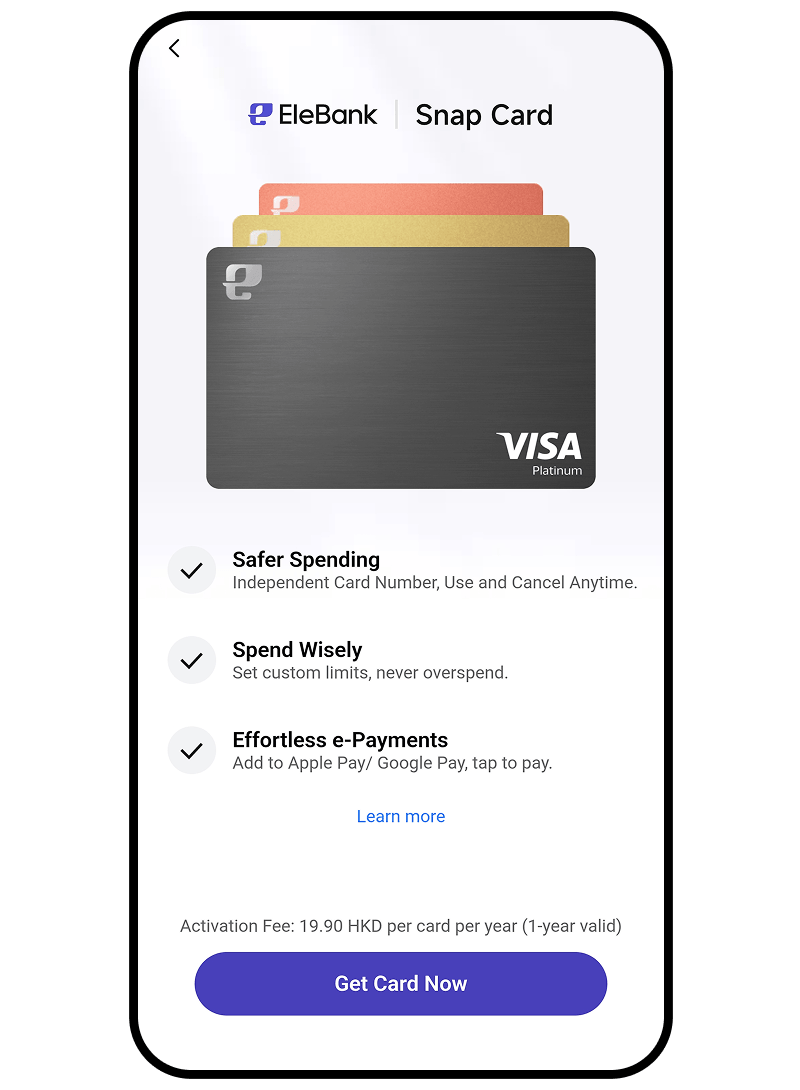
Snap Card
Anti-Fraud · Create & Delete Anytime
Unique Card Number
Each card comes with a unique card number, CVV and expiry date for complete risk isolation
Scenario-based Management
Create separate cards by use case for clear spending and reconciliation
Flexible Budgeting
Customize spending limits to avoid overspending
Flexible and Convenient
Open or close a card with one-click in the App, eliminating risks instantly
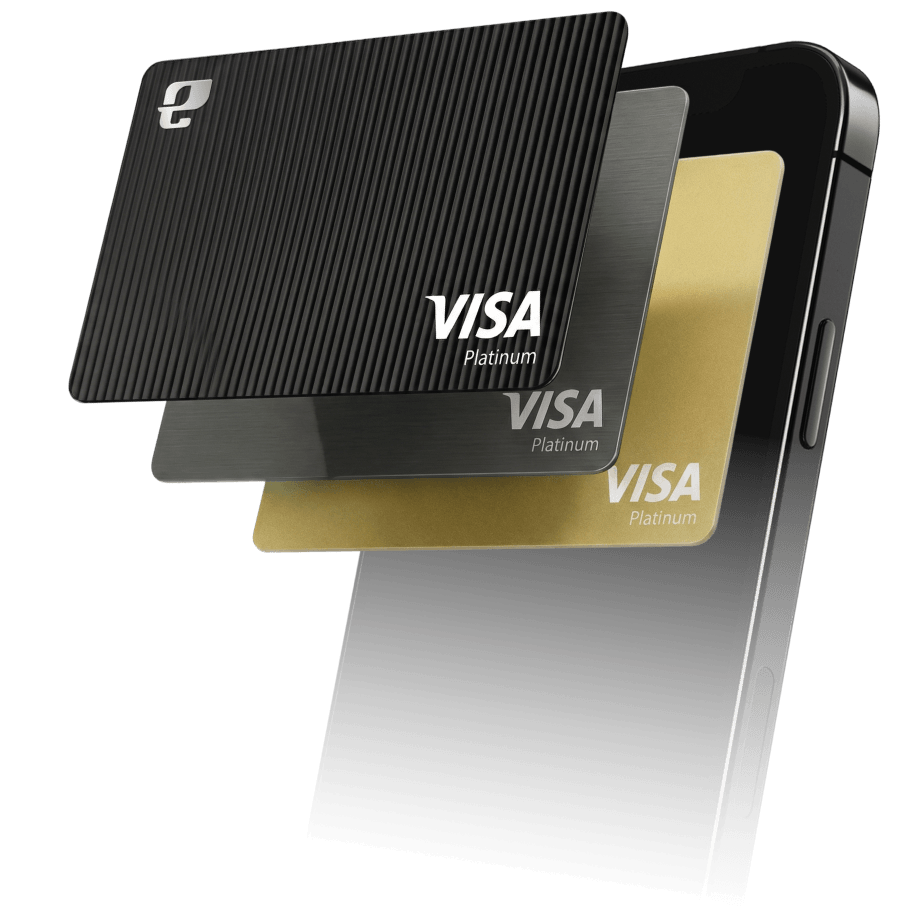
1. Apply for a Bank Card
During application, click [Apply Now] to apply for the card simultaneously.
If you already have an account, click [Card] on Homepage - [Apply Now]
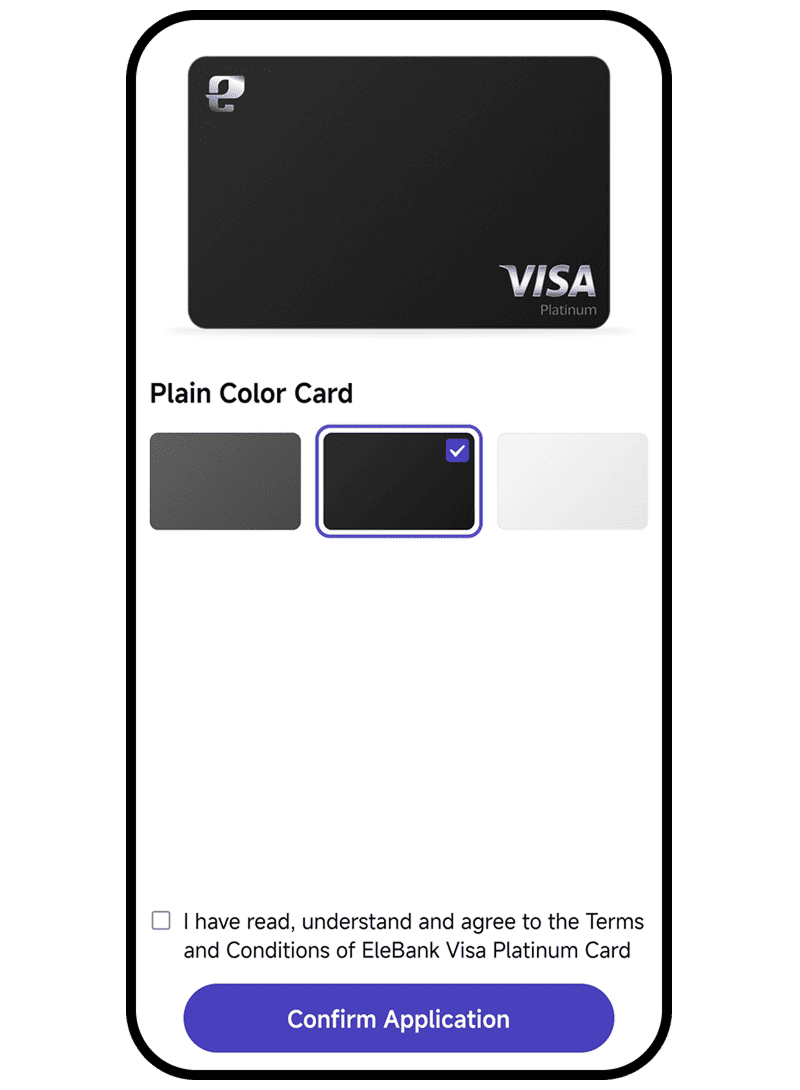
2. Choose your preferred card design
Choose your preferred card design to complete the bank card application
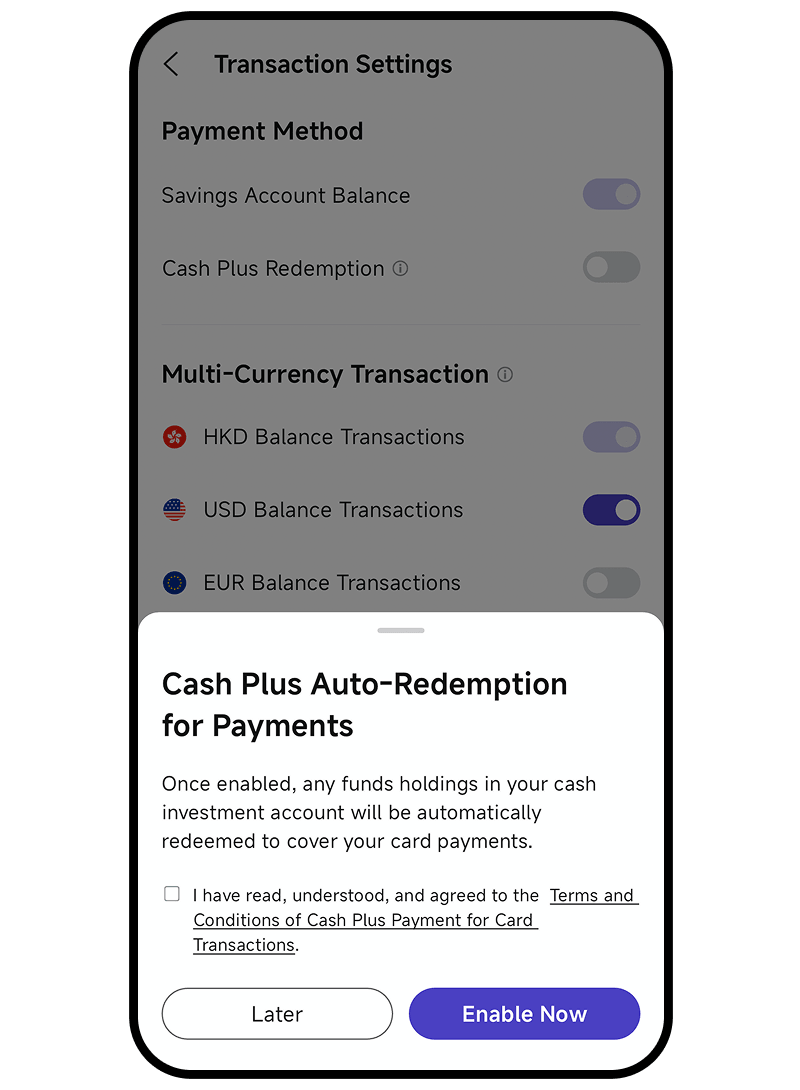
3. Activate Cash Plus Payment (If needed)
Click [Card] → [Transaction Settings] → Enable [Cash Plus Redemption].
Set your preferred payment priority
4. Apply for Physical Card (If needed)
On the Card homepage, click [Apply for Physical Card], enter your correspondent address, and complete the application
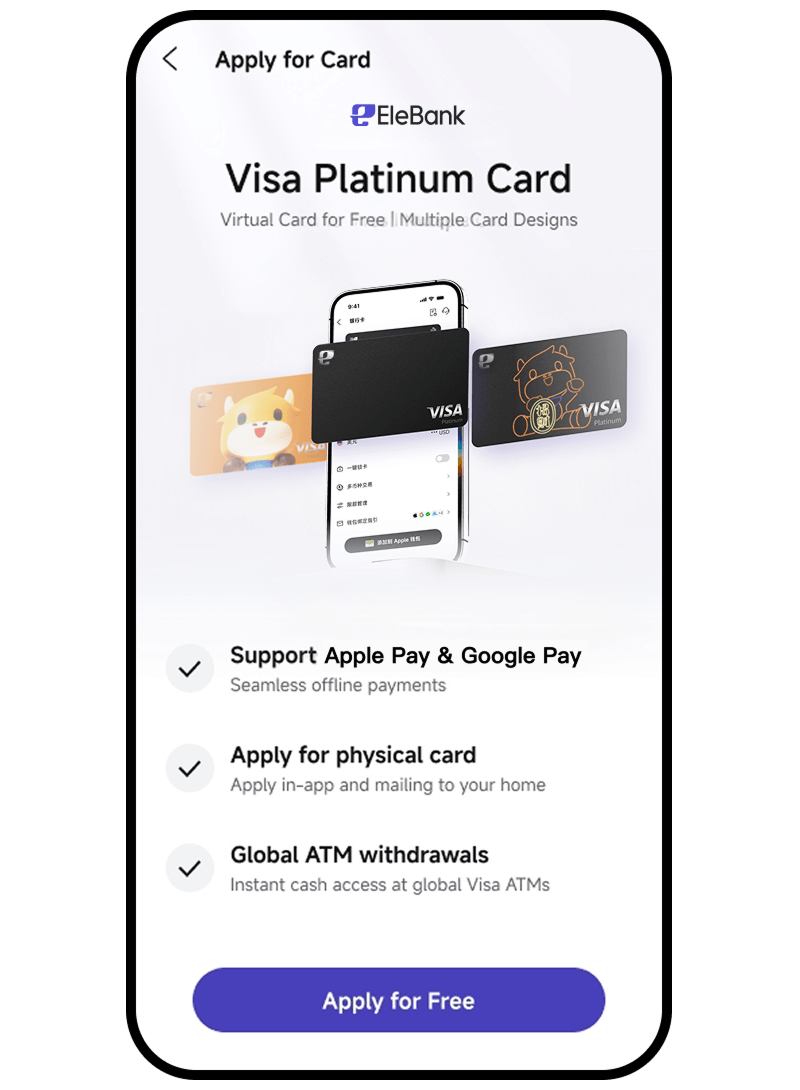
1. Preparation before Application
Already hold a valid EleBank Visa Platinum Card
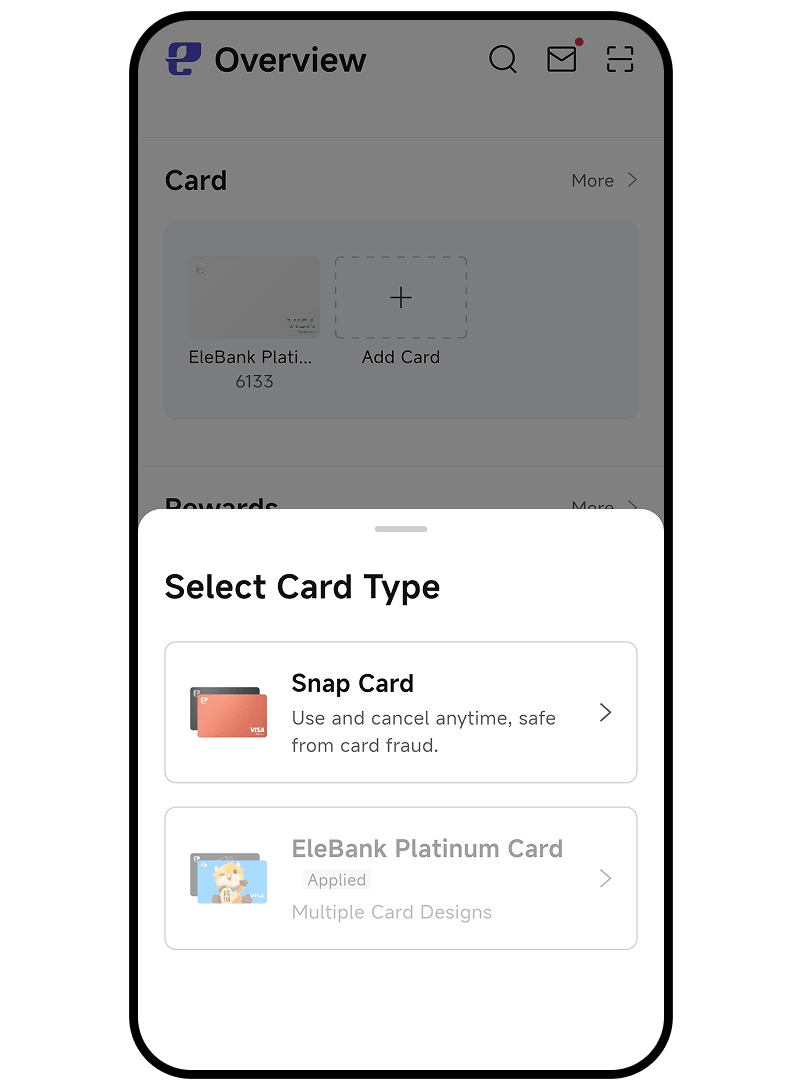
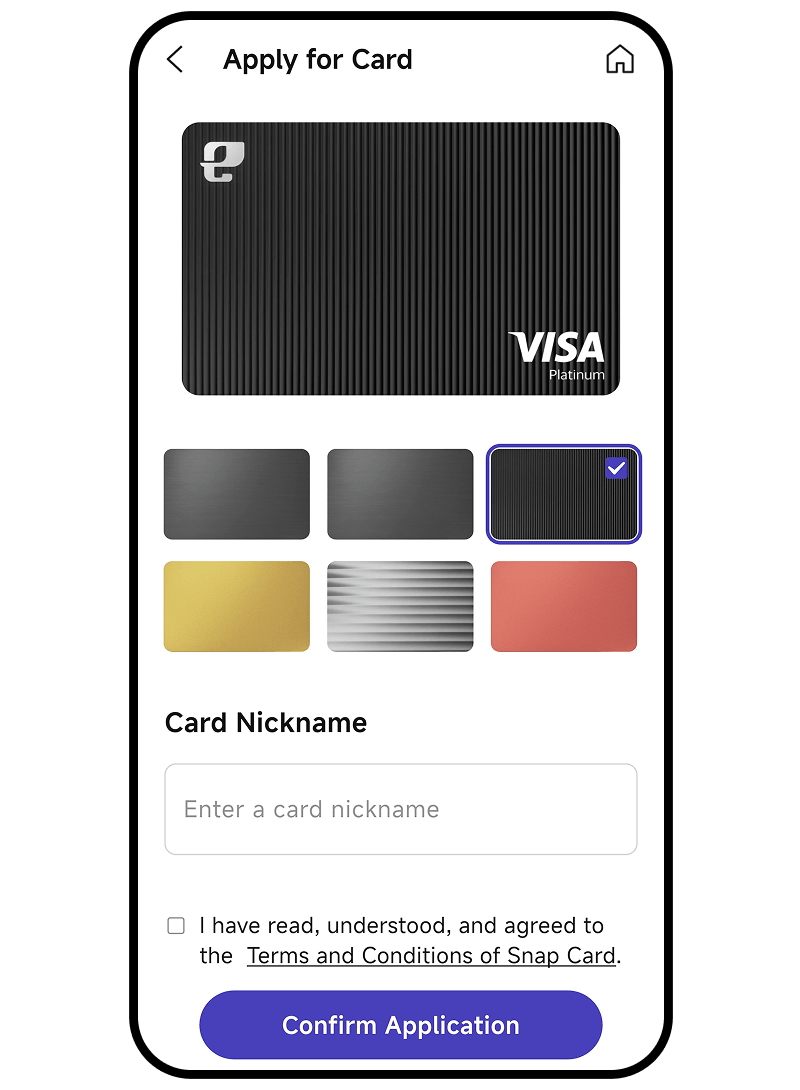
2. Start Application
App Homepage → [Card] → [Add Card] → [Snap Card]
3. Choose Your Preferred Card Design
Choose your preferred card design, customize the card name, and set the transaction limit
Frequently Asked Questions

- Fees may apply when using ATMs, depending on the ATM network and your EleBank Visa Platinum Card. For detailed information about card-related fees, please refer to the Card Service Fee Schedule on the EleBank website or contact our customer service hotline.
- The ability to change your card design depends on whether you have applied for a physical card:
- If you have not yet applied for a physical card, you can freely change your card design. Bank App → Home page of "Bank Cards"→ Tap the card image, then you can change the card design in the pop-up dropdown page.
- If you have already applied for or hold a physical card, To ensure consistency between your physical and virtual card designs, you will not be able to change the card design.
- The currently supported currencies for multi-currency transaction functionality include:
- HKD (Default Currency)
- EUR
- JPY
- SGD
- USD
- (Updated periodically without prior notice)

Remarks:
1. For the location of Visa PLUS ATMs, please refer to the Visa website: Visa Global ATM Locator
2. 3.6% average return is based on the 1-year average performance of our bank's USD money market funds with a track record of over one year, as of June 30, 2026. Risk Disclosure: Cash Plus is a money market fund product, which is not a protected deposit and is not protected by the Deposit Protection Scheme in Hong Kong. Past performance is not indicative of future returns, and neither returns nor principal are guaranteed. T&Cs Apply.